5 Best WordPress Cache Plugins To Speed Up Your Website in 2024

3 seconds, that’s it! Any visitor will wait for that time only until your website loads. If your website takes more than it, most of your visitors will not stay; they will bounce back and click on the back button. 57% of visitors will leave your website if it takes more than three seconds to load. And you already know it will directly affects to your ROI.
You can use WordPress cache plugin to speed up and reduce the load time for your website. Now a question arises in your mind, how do cache plugins can help a website to load faster? To answer this, let’s understand the basics.
What is Cache?
In simple words, a cache is a collection of temporarily stored data for immediate access when requested. The data is usually stored on hard disks. The purpose of a cache is to store data for future requests to be served faster; the data stored in the cache could be the result of an earlier computation or a copy of information stored elsewhere.
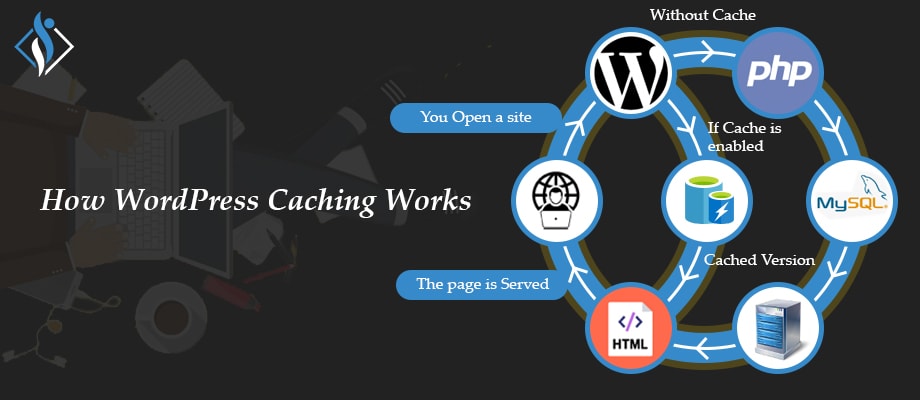
How WordPress Cache Plugin Works?
When any user visits webpage, the server has to process all requests before returning results. These requests include multiple database operations that consume lots of time and increase the loading time of a webpage.
To avoid this scenario, WordPress cache plugins store some files to disk or RAM so it can be served quickly to visitors when needed without performing time consuming database operations. It creates a copy version of your website content for improving the performance of your website.
Why Do You Need WordPress Cache Plugins For Your Website?
Cache plugins are necessary because it reduces the load on your WordPress hosting servers and makes a website faster. A good page experience encourages the visitor to stay more on the website. It will drive more traffic through organic search. If a visitor stays more, ultimately chances of conversion increase.
Did You Know? According to Google, if your website takes 5 seconds to load, the bounce rate will be 90%. 6 seconds of load time means the bounce rate goes to 106%.
Which Factors To Consider Before Selecting WordPress Cache Plugin?
- Speed
Your cache plugin must focus on improving the performance of a website. Compare PageSpeed score before and after installing a cache plugin. - Ease of Use
The cache plugin you select shouldn’t be complex to use. Choose the plugin which is easy to use. Don’t select the plugin where you need to configure dozens of options to take full advantage. - Support
WordPress caching is a complex topic for non-technical persons. A small technical error can waste your energy and time. Your cache plugin must provide competent customer support. - Updates
Requirements of users are changing from time to time. Your selected cache plugin must keep pace with the latest trends and add new features according to them. - Compatibility
Your cache plugin shouldn’t break down your website. Make sure your selected plugin is compatible with page builder, theme, and other sections of your website. - Price
The cache plugin must be affordable to you and worthy for every penny you spend. Be sure there must be no hidden costs. Read the money-back and price policy carefully.
Which Are Best WordPress Cache Plugins?
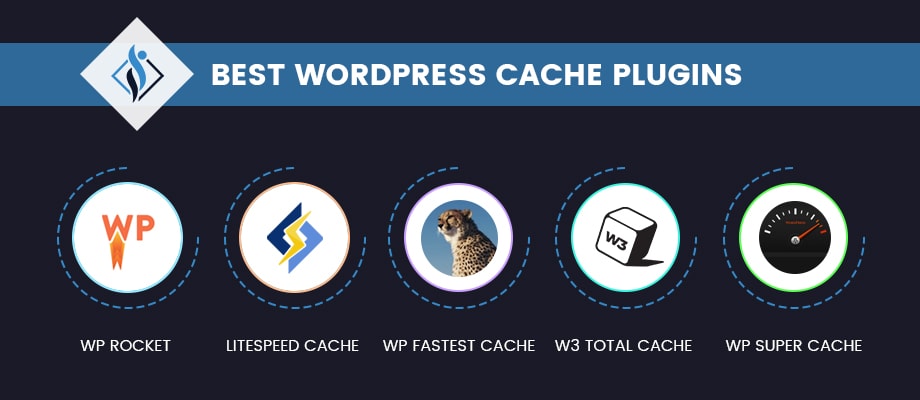
1. WP Rocket

WP Rocket is one of the best WordPress cache plugins available in the market. It is also a beginner-friendly cache plugin. WP Rocket is used by more than 2,127,000 websites. It is a premium caching plugin that offers a collection of optimization features. Beaver Builder also uses WP Rocket for its website.
Key Features
- One-click configuration, install and activate it; caching will be done automatically.
- In-built WooCommerce compatibility.
- Lazy-loading of images and videos feature comes within it.
- Gzip compression.
- Feature of optimizing the database, JavaScript, CSS, and many more.
- Improves the loading time of your website and offers a preload mode.
Pricing
- WP Rocket doesn’t offer a free version.
- Below listed are premium packs they offer for 1 year:
- Single – $49 for 1 website.
- Plus – $99 for 3 websites.
- Infinite – $249 for unlimited websites.
2. LiteSpeed Cache
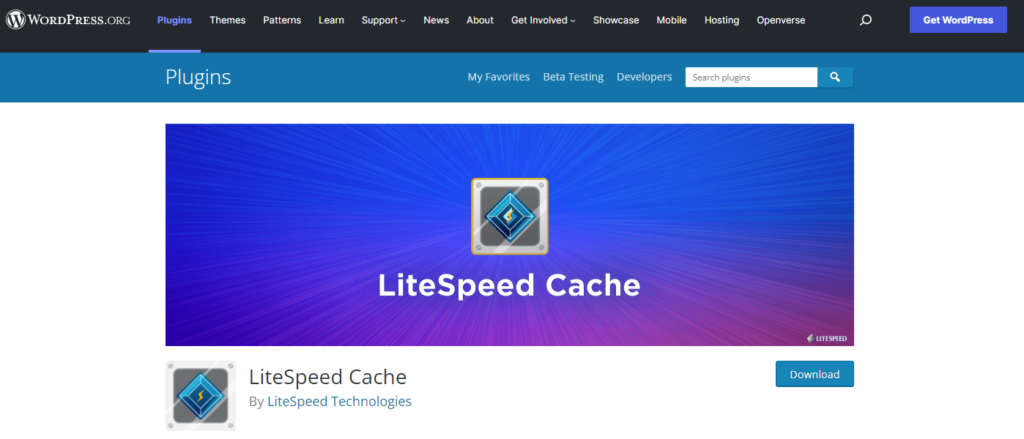
LiteSpeed Cache is a free WordPress cache plugin. It has plenty of site optimization features to speed up your website. Active installation of LiteSpeed Cache is more than 3 million websites. It is rated 4.8 out of 5 stars with 1916 reviews on WordPress.org. More than 1800 users rated 5 stars to LiteSpeed Cache.
Key Features
- Lazy loading and optimization of images and videos.
- It offers multiple CDN support.
- It can be directly integrated with Cloudflare.
- Easy optimization of PageSpeed score.
- It also minifies the CSS, HTML, and JavaScript.
- Automatic generation of critical CSS.
Pricing
- It is completely free to use.
3. WP Fastest Cache
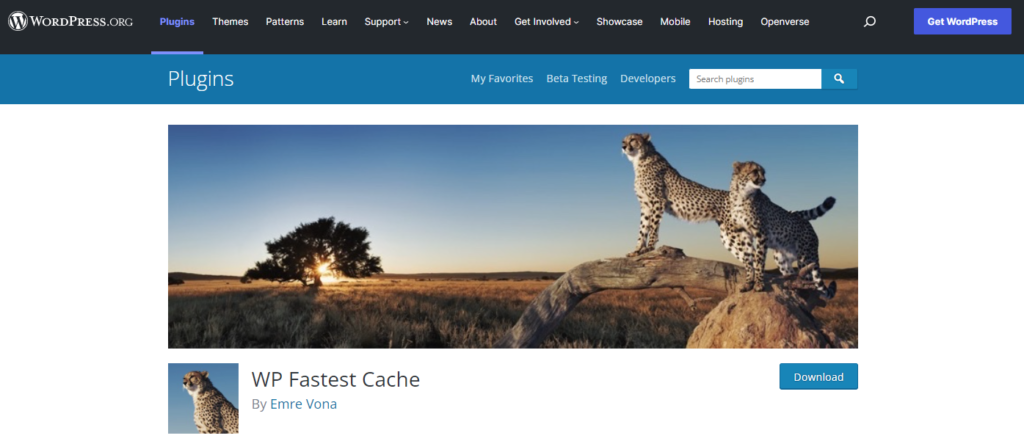
WP Fastest Cache is another one of the best WordPress cache plugins available in the market. It offers both freemium and premium version. It is actively working on 1M+ websites. WP Fastest Cache is rated 4.9 out of 5 stars with 3650+ reviews. On WordPress.org more than 3450 users rated complete 5 stars to it.
Key Features
- It has the ability to compress CSS and JS.
- Flawless integration with CDN, SSL, and Cloudflare.
- Gzip compression.
- Provides the fastest desktop caching.
- A special feature of preload cache.
Pricing
- Offers a free version.
- Paid versions are listed below:
- Bronze – $49.99 for 1 license.
- Silver – $125 for 3 licenses.
- Gold – $175 for 5 licenses.
4. W3 Total Cache
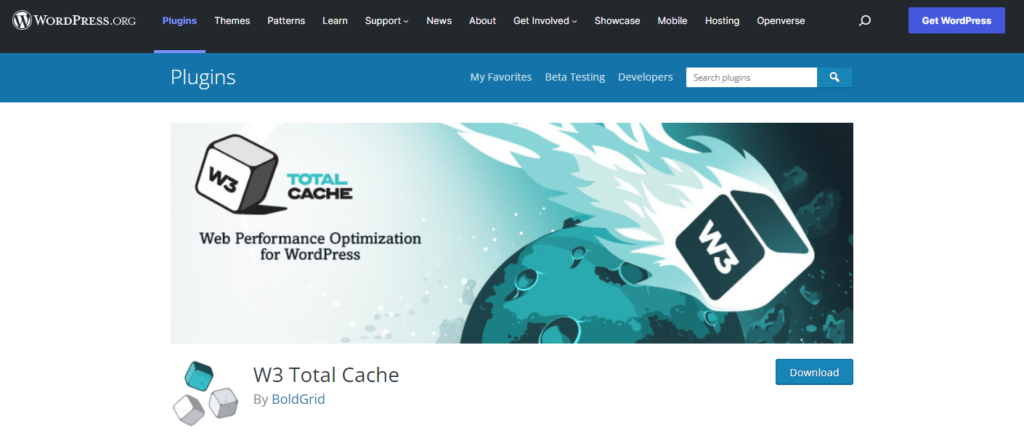
W3 Total Cache (W3TC) is one of the popular cache plugins for WordPress. It is compatible with most hosting plans like VPS, shared, and dedicated server hosting. More than 1 million website owners trust this plugin. It is rated 4.4 out of 5 stars with 4930+ reviews on WordPress.org. 3640+ users’ rates W3TC complete 5-star rating.
Key Features
- It offers transparent CDN management with Media Library and theme files.
- Provides Secure Socket Layer (SSL) support.
- Caches of database objects in memory or on disk.
- It easily minifies the CSS, JavaScript, and HTML of your website pages.
- It defers the offscreen images using lazy loading to improve the page experiences.
Pricing
- A free version is available.
- Premium version costs $99 for a single website with time period of 1 year.
5. WP Super Cache
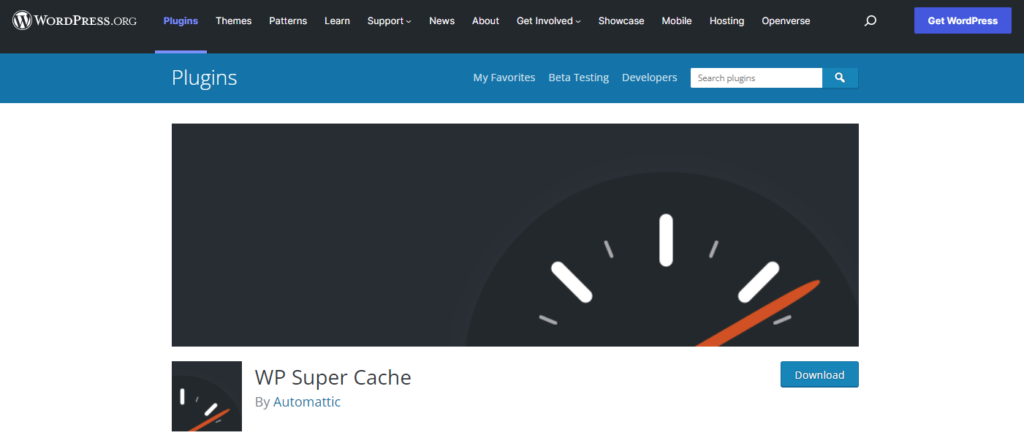
WP Super Cache is a free WordPress cache plugin managed by Automattic. It is highly recommended by top WordPress hosting providers. The count of active installations on websites is more than 2 million. On WordPress.org, it is rated 4.3 out of 5 stars with 1280+ reviews. WP Super Cache got full 5-star ratings from 950 users.
Key Features
- Easy integration with CDN.
- Gzip compression.
- Special feature of serving cache files in 3 ways – Simple, Expert, and WP Super Caching.
- It configures garbage collection settings for scheduled cleaning of cache to free up server space.
- Offers preload files for posts and pages of your website.
Pricing
- WP Super Cache is completely free to use.
You don’t wish that your visitor exits your website because of high loading time and bad user experience. Nowadays, most of the users visit your website via mobile, and if your website takes more time to load, they will click on the back button without any hesitation. Ensure that your website is optimized for mobile devices also.
FAQs About WordPress Cache Plugins
Is WP Rocket plugin free?
No, WP Rocket doesn’t offer a free or trial version. If you find a free version of it, you have downloaded a nulled version of it; which is not good for your website.
How much does WP Rocket cost?
It offers three paid plans that include – $49 for one website, $99 for three websites, and $249 for unlimited websites. Duration is of one year only.
Is W3 Total cache free?
Yes, it has a free version and also paid version at $99 for one website.
What is the best free caching plugin for WordPress?
There are multiple free cache plugins for WordPress available in the market. According to the experts, WP Super Cache is the best caching plugin for WordPress.
Which cache plugin is best for WordPress?
Currently, there are many WordPress cache plugins in the WordPress directory like LiteSpeed Cache, WP Fastest Cache, WP Super Cache, W3 Total Cache, and many more. But from all of them, WP Rocket is best cache plugin for WordPress.
Let’s Speed Up Your Website!
Experience the benefits of a faster website that keeps visitors engaged! As a leading WordPress development agency, we understand the importance of selecting the perfect cache plugin tailored to your specific needs. Our developers are here to optimize your website’s performance and ensure a seamless user experience.
I'm currently a WordPress developer at Samarpan Infotech. My interests include Web Development. In my spare time, I enjoy reading and surfing the internet.